Hi Everyone
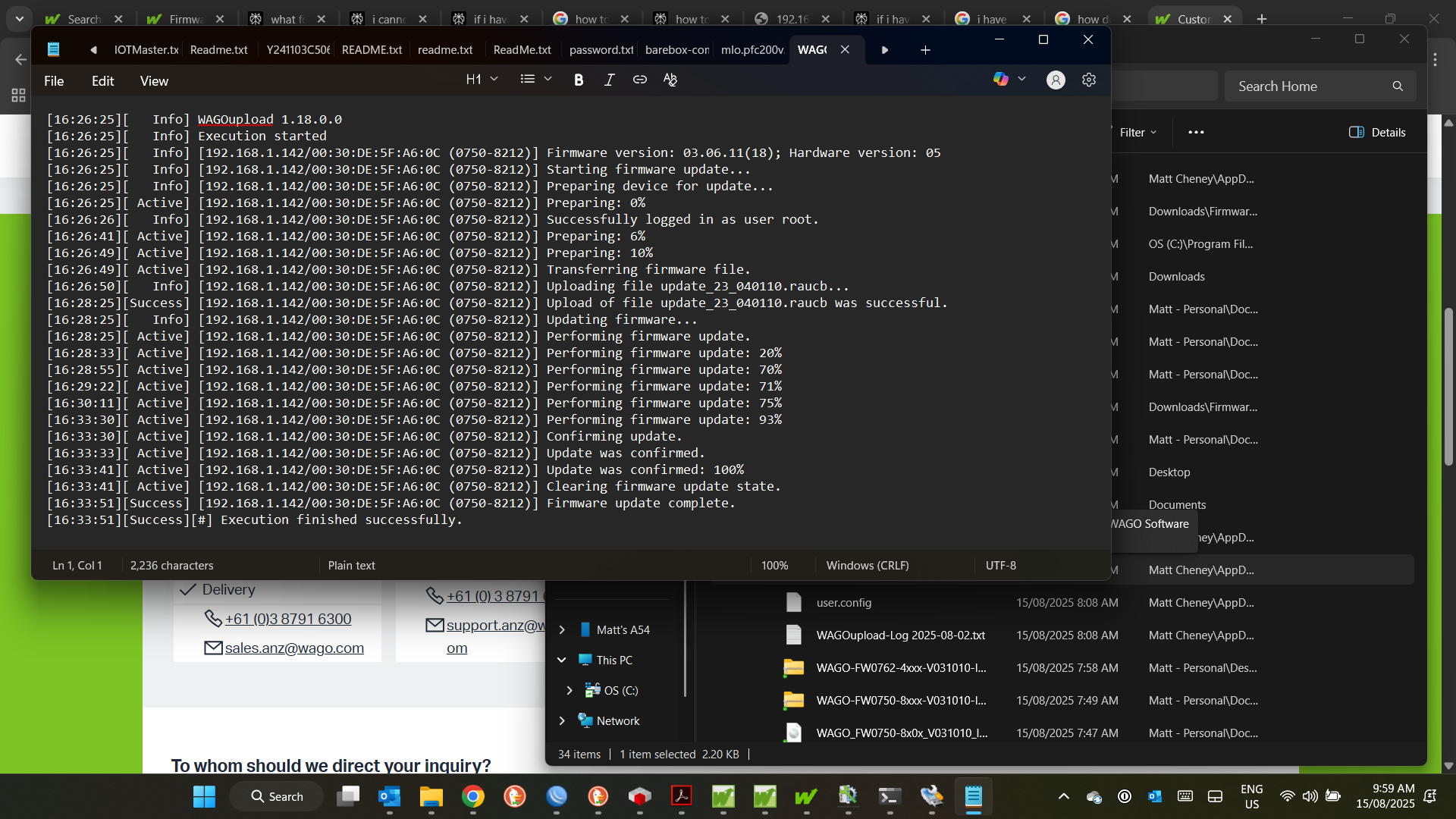
I purchased a PFC200 750-8212 running V3 Codesys and upload new firmware on WAGOupload.Was succesful as you will see from screenshot
Then when i was in the WBM i dont know how i did but i uploaded the firmware for a 750-8202
i have one of thess i got on ebay that was not working so was playing around with it in past so had firmware for it
i now cannot access the controller through anything but the wago sevice cable as ethernet and mac address is missing
i know i have mucked up serverly just wondering if there is a way to reboot eprom with correct
firmware?
Any help would be grateful
many Thanks in advance
Matt
Hello Matt,
I think you should try to load the firmware img packet with using SD card. You an follow this link how you can do that: Firmware PFC | WAGO Download Center
Thanks Ive tried (god knows how many times with 3 SD cards)
It wont accept anything to do with IP through controller.I can ping it at 197.168.1.17 through cmd
but i cannot access or write anything too contoller via ip
I really appreciate your responce.Its like white line fever trying to repair!
Regards
Matt
You are welcome Matt. Just wondered whether you can access the controler via ssh? then we maybe find a way to solve it using linux cmd with putty client program.
I hope you can find a way to solve it with our local subs!
Cannot get SSH .tried through serial connection .I have contacted wago tech support ,i think i may have to send it to them.Have a great weekend
Hello mate,
First, FW < 22 are for Codesys 2.3 and e!Cockpit.
FW >= 23 are for Codesys 3.5
Next, by default the PFC don’t have an IP address, it look for a DHCP server to get a dynamic IP address.
If you want you can: put the RUN/STOP switch in STOP position and after press the rst switch until the RUN led blink ORANGE/OFF.
After that you can access the PFC with the IP address 192.168.1.17
If you need to do a factory reset (with the current Firmware) you can press the rst switch and slide the RUN/STOP switch to RESET at the same time until the RUN LED blink GREEN/RED
Let the PFC reset itself (If the reset take more than 10 min, please reboot it and retry, sometime it need to be done twice).